BusyBar Codex
Tactile Codex controller with live task status, actions, navigation, reasoning control, and push-to-talk dictation.
By kylewhirl · ▲ 0 · Rate and Discuss
How It Works
Tactile Codex controller with live task status, actions, navigation, reasoning control, and push-to-talk dictation.
Download and extract the complete app folder. Keep its files together; some apps include additional modules, assets, or configuration examples.
Review app.py and any configuration examples for this app’s options, then run it from the extracted folder:
python3 app.pyConnect BUSY Bar over USB, or use the connection options supported by this app. See the official HTTP API documentation for device setup.
Source Files
These are the mirrored source bytes. The complete package also includes every asset and supporting file.
app.py
#!/usr/bin/env python3
"""BusyBar Codex: control Codex tasks, actions, navigation, reasoning, and dictation.

    python app.py --host 127.0.0.1:8080             # safe emulator demo
    BUSY_HTTP_PASSWORD=... python app.py --live     # real BUSY Bar + Codex

The controller itself is TypeScript because it bridges to the Codex macOS app.
This gallery entry is a standard-library launcher for the pinned, open-source
release at https://github.com/kylewhirl/busybar-codex.
"""

import argparse
import os
import shutil
import subprocess
import sys

APP = "busybar-codex"
PACKAGE = "github:kylewhirl/busybar-codex#v0.3.0"


def base_url(host):
    value = host.rstrip("/")
    return value if value.startswith(("http://", "https://")) else "http://" + value


def main():
    parser = argparse.ArgumentParser(description=__doc__)
    parser.add_argument("--host", default="10.0.4.20", help="BUSY Bar ip[:port]")
    parser.add_argument("--password", default=os.environ.get("BUSY_HTTP_PASSWORD"), help="local HTTP API password (prefer BUSY_HTTP_PASSWORD)")
    parser.add_argument("--live", action="store_true", help="control the Codex app instead of using safe demo data")
    parser.add_argument("--restart-codex", action="store_true", help="allow a graceful Codex restart when --live is used")
    args = parser.parse_args()

    npx = shutil.which("npx")
    if not npx:
        parser.error("Node.js 20+ is required; install it from https://nodejs.org")

    url = base_url(args.host)
    password = args.password
    if not password and args.host.split(":", 1)[0] in {"127.0.0.1", "localhost"}:
        password = "emulator"
    if not password:
        parser.error("set BUSY_HTTP_PASSWORD or pass --password for a real BUSY Bar")

    env = os.environ.copy()
    env.update({
        "BUSY_BAR_ADDR": url,
        "BUSY_HTTP_PASSWORD": password,
        "BUSY_APP_NAME": APP,
    })
    mode = "start" if args.live else "demo"
    command = [npx, "--yes", "--package=" + PACKAGE, "busybar-codex", mode]
    if args.live and args.restart_codex:
        command.append("--restart-codex")

    print(f"{APP} ({mode}) -> {url}  (Ctrl-C to stop)", flush=True)
    try:
        return subprocess.run(command, env=env, check=False).returncode
    except KeyboardInterrupt:
        print("\nstopped.")
        return 0


if __name__ == "__main__":
    sys.exit(main())
manifest.yaml
name: BusyBar Codex
author: kylewhirl
description: Tactile Codex controller with live task status, actions, navigation, reasoning control, and push-to-talk dictation.
tags:
  - monitor
  - productivity
  - ai
  - controller
preview: ./preview.png
repo: https://github.com/kylewhirl/busybar-codex
Source and Provenance
View This Version on GitHub → · Author’s Project →
Source commit: 26b19ba9ce2ba192c45b4c0eadcfad53df42b153
Content SHA-256: d2341bb10d073f2a0ab2163793a9c4ea645818b9228abf1ee646ac8bb8b0b205
Related Apps
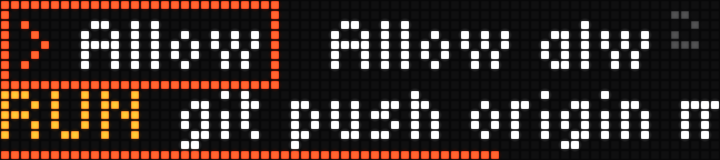
Claude Approve
Answer Claude Code prompts from the bar - permissions, plan approval and multiple-choice questions - with the wheel and START button.
Community mirror

Busy Codex
Live Codex task status, account limits and weekly progress, with a reasoning effort dial and START-button Fast mode control for Codex Desktop and a native-control CLI fork.
Community mirror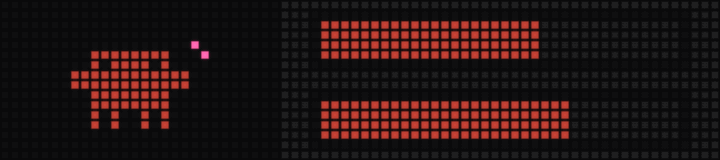
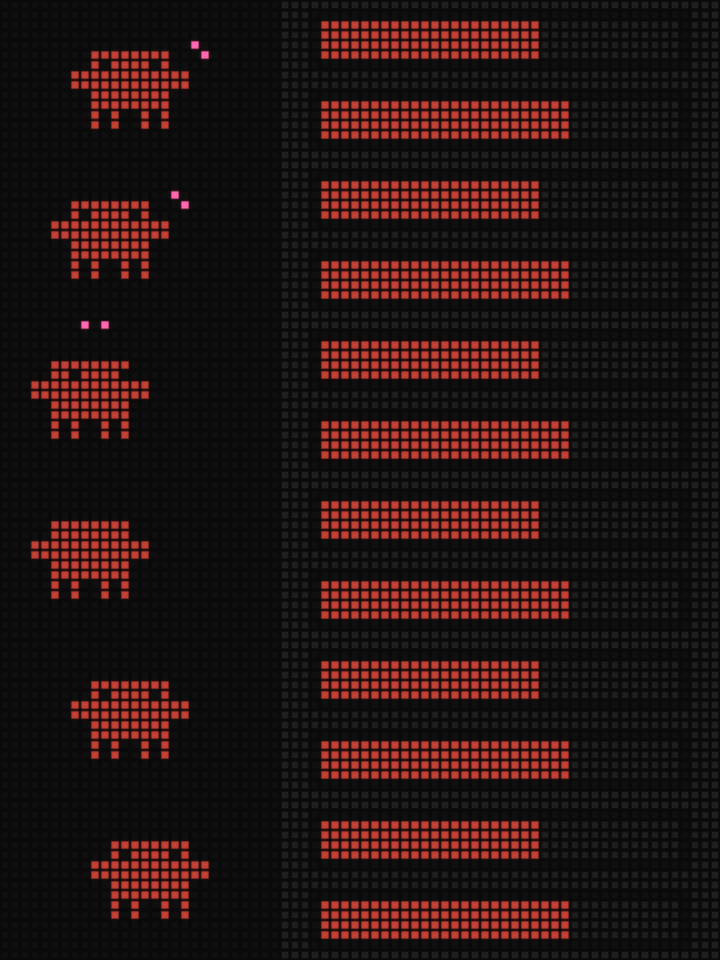
Claude Limits
Live Claude Code usage — 5-hour session and weekly limit bars with time to reset, an animated Clawd mascot, and a session-activity readout.
Community mirrorRate and Discuss
Comments and reactions live in this site’s GitHub repository. Sign in with GitHub to participate.